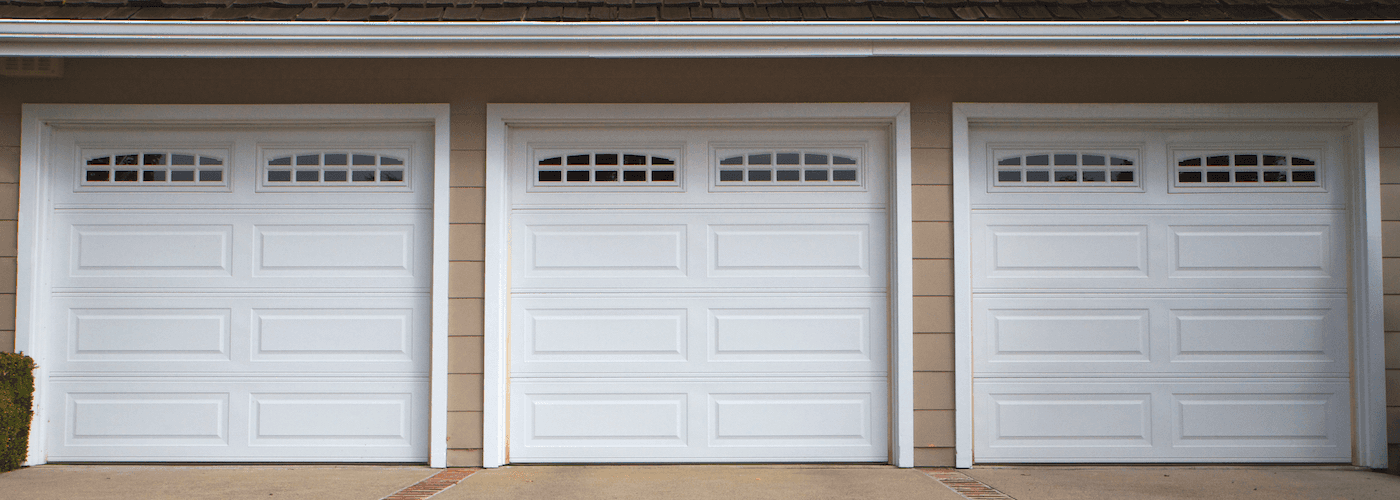
Purchased a new Hyundai or a used model near St. Louis with HomeLink® technology built in? Asking yourself what is Hyundai HomeLink®? Hyundai HomeLink® is a popular and useful vehicle-based wireless control system found in many Hyundai vehicles. Using buttons usually located on your rearview mirror, Hyundai HomeLink® can open and close your garage door or other gate in a manner that integrates perfectly with your driving experience. Want to learn the Hyundai HomeLink® setup to program it quickly and easily? Follow this easy guide from Suntrup Hyundai South.
Many drivers don’t use the built-in garage door opener in their vehicle because they simply don’t know how to program it. But it’s easier than you might expect. Before you start, clear your garage door, and have your garage door opener remote in-hand. Then locate the garage door buttons in your Hyundai usually found on the rearview mirror. Then, read through the following steps so you know the process before following them:
If you’re not finding your garage door opening as expected, a rolling code system might be the cause. To program with a rolling code system, you’ll need to follow a different set of steps, with the use of a ladder and a friend or family member. Read, and then follow these steps:
Need more help programming your Hyundai HomeLink®? Don’t hesitate to contact us! We’re the St. Louis Hyundai experts, and we’re always happy to answer questions about our models, services, or Hyundai HomeLink® programming!
There’s no bad time to plan a road trip from St. Louis. Whether you’re heading toward the Ozarks, running up to Chicago, or pointing the car somewhere with two-lane highways and scenery worth stopping for, the right SUV makes the difference between a long drive and a genuinely good one. Hyundai’s SUV lineup is…
St. Louis winters are not about deep powder. They are about ice, sleet, and the occasional three-inch snowfall that the city handles inconsistently. That reality shapes what you actually need from a winter-capable vehicle here. You need confident traction on slick surfaces, enough ground clearance to clear packed road debris, and a set of…
The best Hyundai for daily commuting is the one that fits your specific route, not the one with the best spec sheet. A five-mile urban commute calls for a different vehicle than a forty-five-minute highway stretch to west St. Louis County. Hyundai builds commuter-ready vehicles across its entire lineup, from the fuel-efficient Elantra Hybrid…